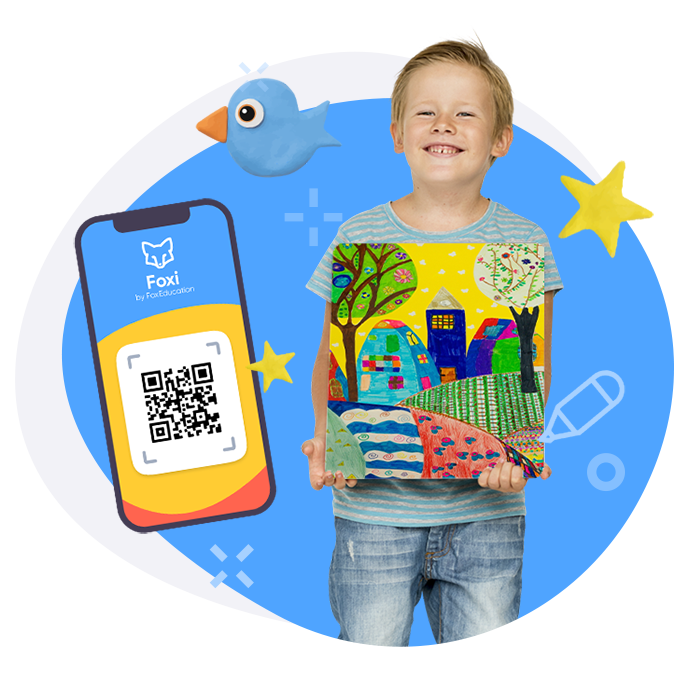
Not all school assignments are 2D!
Store them safely and centrally through our new companion app:
- Learning progress at your fingertips
- Involve them in curating their own work
- Crafts and songs & dances can also be stored
Isn’t it a shame that portfolios can’t store student performances, songs, or dances?
At FoxEducation, we know that education comes in all shapes and sizes – all of it is progress and all of it should be considered in a student’s yearly success. We developed Foxi to ensure progress is unlimited.
While pictures can capture drawings, writings, and mathematical problems, videos and audio recordings capture the life of a student’s learning progress in a way that can’t be stored in physical boxes.

Is your student a modeling clay extraordinaire?
Photograph their work before it dries out!
Got a young musical artist on your hands?
Record them so they can observe their progress throughout the year!

Is your school group performing a theatre play?
Film them and relive their opening night!
Store everything your students craft, perform, or paint throughout the school year, centrally and safely in our new digital portfolio.
And the best thing about Foxi? Students can be involved in their own portfolio work!
After they take pictures, film a video, or record an audio message, teachers only need to give permission and upload their files in order to safely review their work throughout the year.
Parents can then observe their child’s learning progress on their KidsFox or SchoolFox apps.
This learning progress can also be shared with other educators or even schools.
Foxi supports images, videos, and audio files and is a very cost-effective way of showing a student’s educational progress.
Please note that Foxi is only available for SchoolFox MAX or KidsFox MAX users.
Are you already a MAX subscriber OR interested in trying Foxi? See below!
How the Foxi App works

Teachers hand out the personal QR codes

Children open the Foxi app & scan the QR code
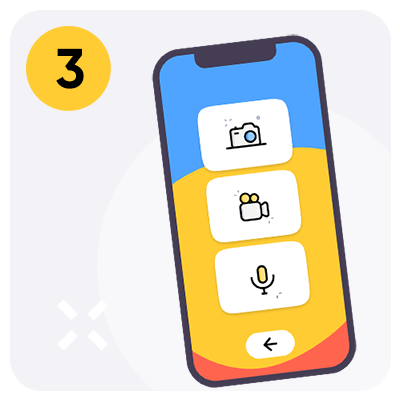
Children choose whether to create a video, photo or audio document

Record video, photo or audio document for portfolio contribution
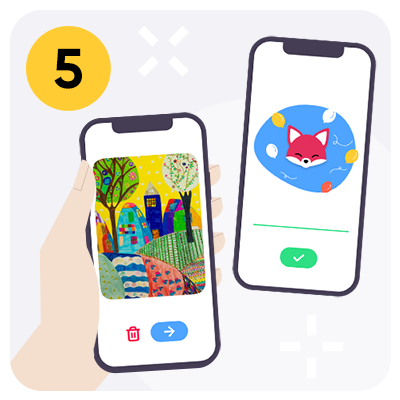
Teachers review, comment, approve and share with parents

Celebrate and share what kids are proud of
Want to try the Foxi app*?
We will activate the „Portfolio“ module
Download of the Foxi app* for example to the group tablet in the kindergarten/to a tablet in school
An educator issues the QR codes for the children
Start using the digital portfolio: With the Foxi app, children record their works themselves. The teachers review, comment via audio and release the creations.
Creations are displayed in the portfolio folder in KidsFox‘ integrated cloud storage and can be shared with parents.